WORDZILLA / EN
Wordle With Friends: Free Private Rooms
Create a private Wordle room, share one link, and play live 1v1 or co-op. Friends join as guests. Free, instant, and no download.
Wordzilla
Your friends. Your room.
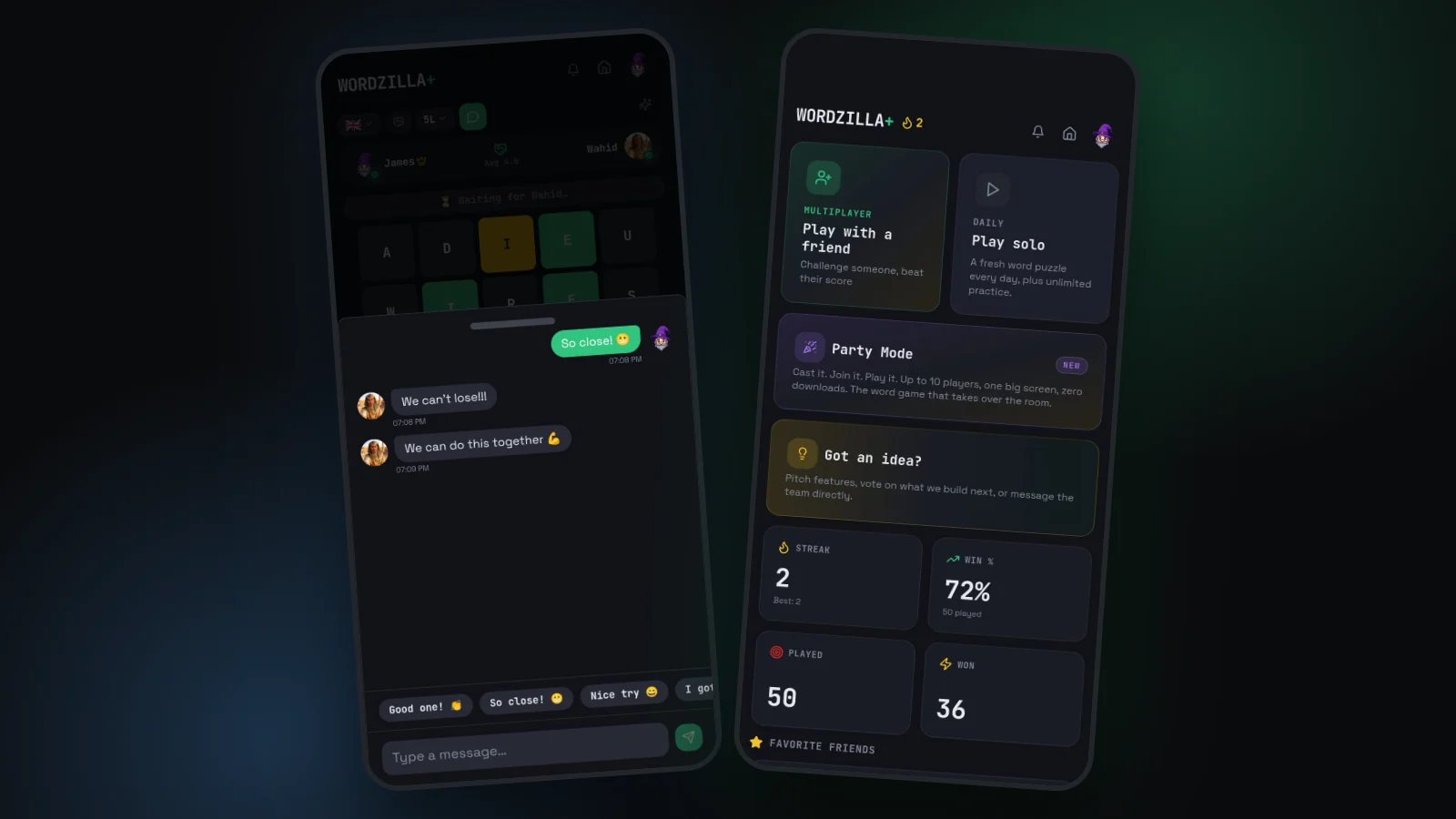
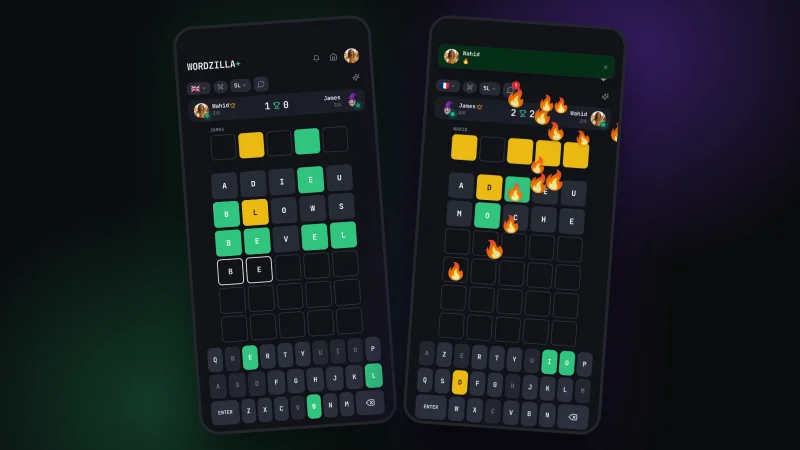
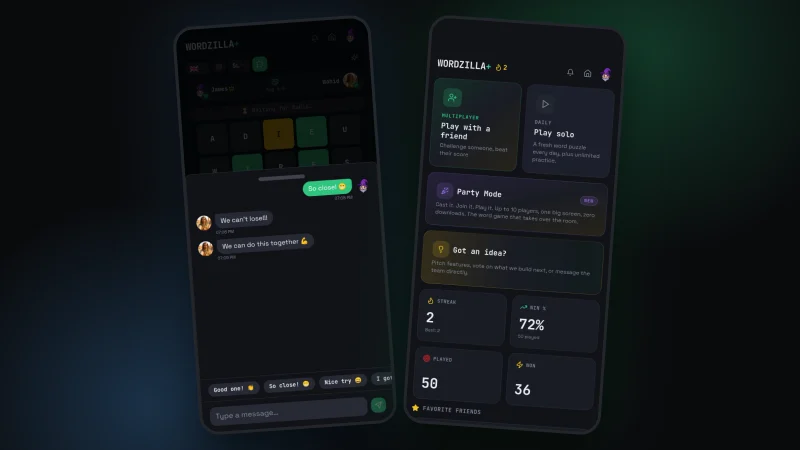
Create a private room in Wordzilla and share an invitation link. Your friend chooses a nickname and joins as a guest, without creating an account. Race each other in a live 1v1 game or solve together in Co-op, with in-game chat throughout the match.
Game dictionaries: English, French, Spanish, German, Italian, Indonesian, and Portuguese.
Wordzilla
Less setup. More playing.
- Private rooms with shareable invitation links
- Friends can join as guests without an account
- Live 1v1 races and shared-board Co-op
- In-game chat and emoji reactions
- Free in your browser on mobile and desktop
How to play Wordle with friends online
Sharing your daily Wordle result is different from playing a live match. In Wordzilla, you and your friend are in the same session: compete on the same hidden word or work together on one board. Wordzilla is an independent game, not an NYT Wordle feature.
Create the invitation
Sign in to Wordzilla, open Play Together, and choose a competitive or cooperative game. Create an invitation for the person you want to play with.
Send the private link
Share it in your usual messaging app. Your friend opens the link, chooses a nickname, and can join as a guest without creating an account.
Play while you chat
Keep the game open on both devices. In 1v1, each player has a separate board; in Co-op, you take turns on the same board. Use the in-game chat to talk between guesses.
A private room, not a public matchmaking queue
Use the invitation when you want to play with a specific friend. The host needs a free account; the invited player does not. Both people need to be online for a live session. If you want to play at different times, a live 1v1 match is not the right format.
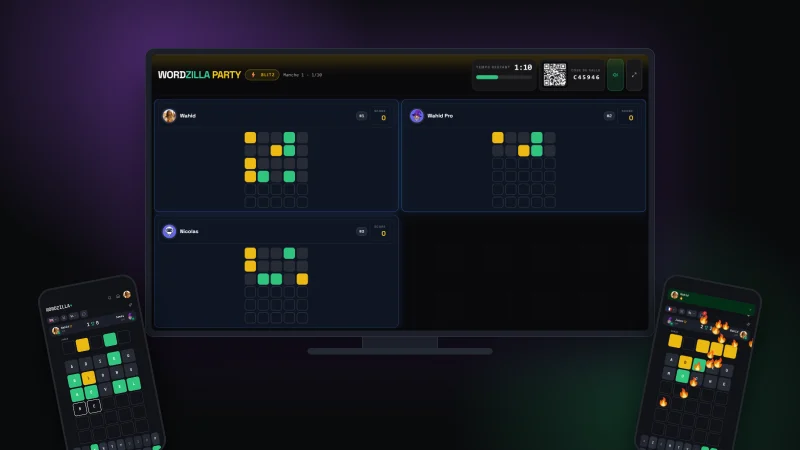
A 1v1 session is for two people. For a group gathering, use Party Mode: the host opens a shared TV view and guests join from their phones with a room code. You do not need to exchange your Wordzilla password or install an app to invite anyone.
Before you start the first word
Agree on a playable language and a word length that suits both of you. A phone and a laptop can share the same session; you do not need matching devices.
If a link does not open the room you expect, ask the host to check that the invitation is still available and send the current link. Keep the whole invitation URL intact when copying it. Guest access is for joining an invitation, not for creating a host account.
Wordzilla
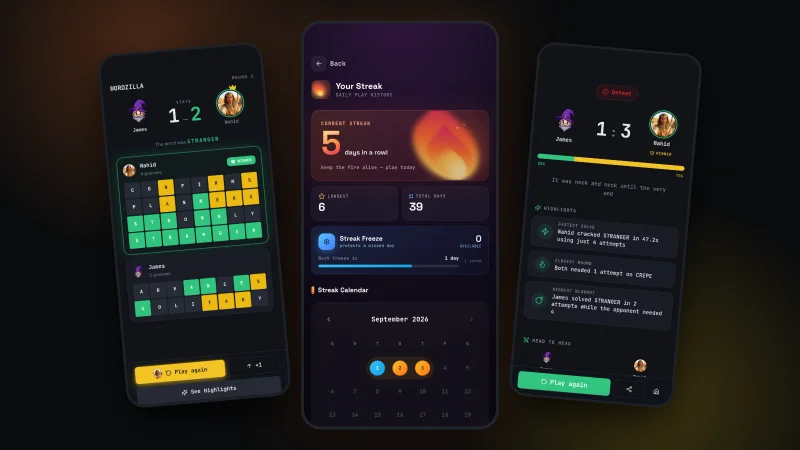
Every game has a story.
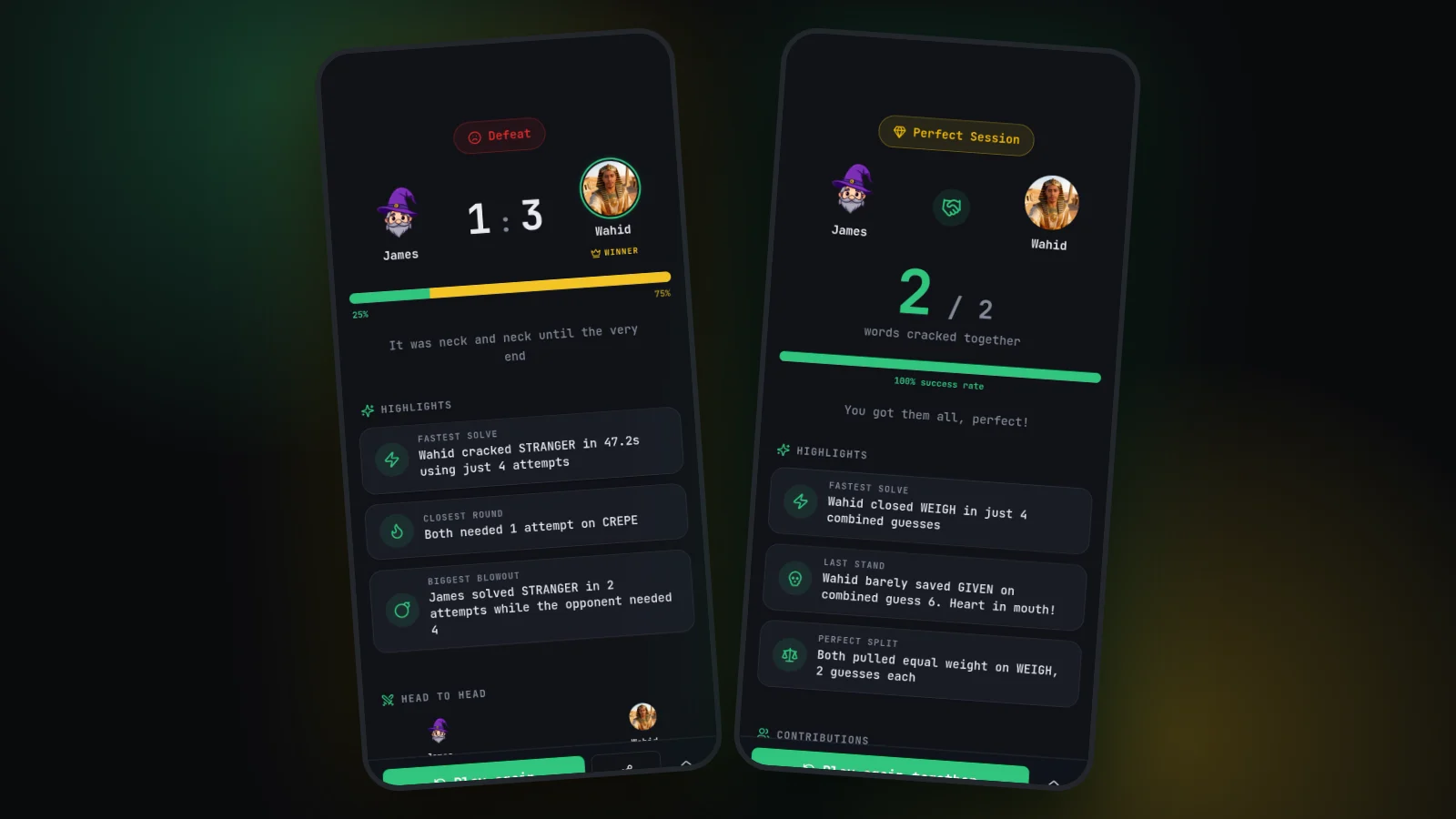
Your highlights, your progress, and a detailed score breakdown after every game.
Good questions.
How do I invite a friend?
Sign in, open Play Together, create an invitation, and share the link through your usual messaging app. Your friend opens it to join your room.
Does my friend need an account?
No. Guests choose a nickname and join using your invitation. The host needs a free Wordzilla account.
Can we solve together instead of competing?
Yes. Co-op Mode lets you alternate guesses on a shared board. Use the in-game chat to plan your next word.
Wordzilla
Find your next game
Your friends. Your room.
Create a private Wordle room, share one link, and play live 1v1 or co-op. Friends join as guests. Free, instant, and no download.
Play free